
FAQs – Buying a CNC Router
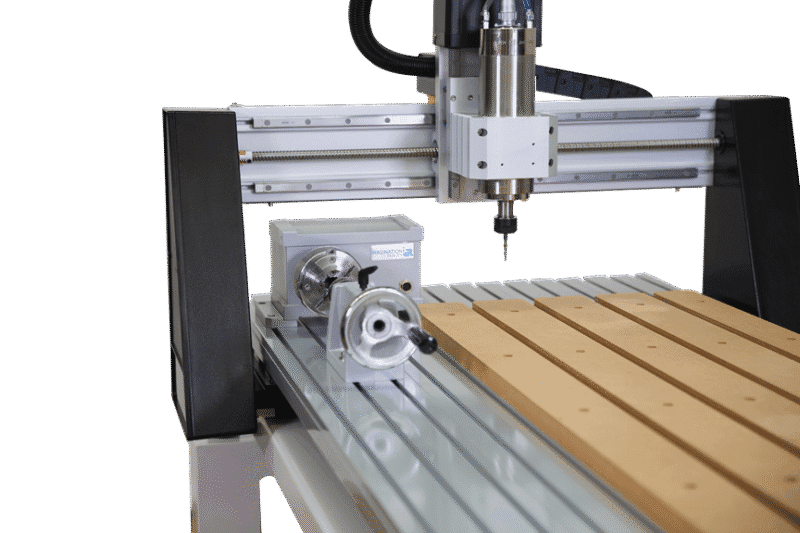
- CNC Router: Generally used for Non-Ferrous Materials such as wood, plastics, soft metals and composites. As these materials are not as hard as ferrous materials, the CNC can be built with a lighter weight, fast moving gantry for large working areas. These softer materials allow for faster material removal rates which can be achieved with higher RPM (18,000 – 24,000 RPM) spindles, that would have lower torque than a conventional mill. Our i2R CNC and 5.0 Robotics CNC are classed as CNC Routers.
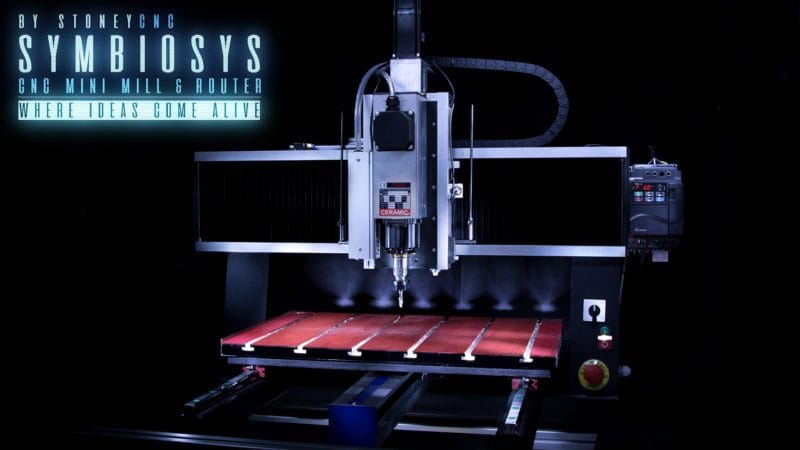
- CNC Mill: Generally used where tight-tolerance and the highest precision is required on harder materials such as aluminum, mild steel and stainless steel. CNC Mills are built with higher rigidity which results in heavier frames. To maintain accuracy these frames, particularly the bridge of the CNC traditionally remains fixed and the table moves benight. The spindle is normally lower RPM (8,000 – 12,000 RPM) to achieve high torque and in turn the lower RPM reduce heat in cutting. This results in a slower material removal rate, but more aggressive passes can be achieved. As we specialize in CNC Routers we have developed our own in house Hybrid mill called the Symbiosis. It combines the rapid material removal rate of a CNC router with the rigidity of a fixed gantry CNC mill.

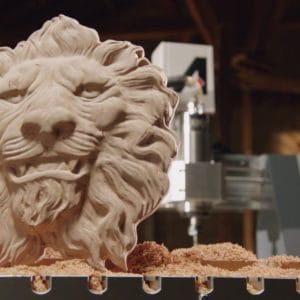
A CNC Router is suitable for milling, boring, engraving the following materials:
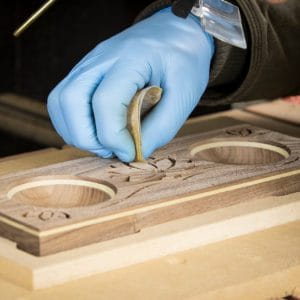
- Wood – Soft and hard solid wood, Plywood, MDF, Melamine etc.
- Plastics – Acrylic, Polycarbonate, PVC, HDPE etc.
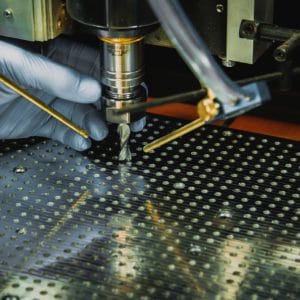
- Aluminum and other non ferrous soft metals (under certain very specific conditions)
- Fibre composites e.g. GFK or CFK (with specific attention to the dust generated from cutting)
- Composites such as Corian and Alucobond
- Foam (with specific attention to the dust generated from cutting)

The above list of materials is appropriate if the following conditions are met
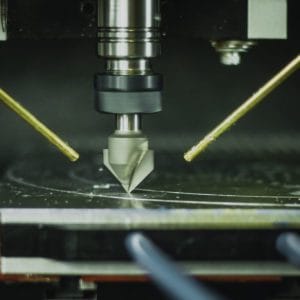
- Appropriate tooling is used for the job requirement
- The tools have been installed correctly in the collet mounting system in the provided spindle. Never use a tool outside of its operating parameters.
- The spindle speed and feed rate are appropriate for the job
- In the case where you are machining aluminum some extra care is required to maintain good chip development. If necessary, a cold airline will improve chip generation.
- Coolant may be required in some cases where aluminum is the main application. In the case where coolant is used the operator must pay close attention to manage the coolant run off.
- In all cases – especially where foam or composites are machined – provision of adequate extraction systems to eliminate hazardous swarf, dust and particulates must be implemented. There must be systems in place to stop dust ingress into the machine’s running gear and spindle bearings.
A CNC router uses specific cutting tools to cut, mill, drill, engrave, carve non-ferrous materials such as wood, plastics and soft metals. In simple terms, it is a computer-controlled fabrication machine. Similar to a 3D printer with is utilizes additive manufacturing technology the CNC Router utilizes subtractive machining technology.
Suitable applications include but not limited to:
- Woodworking and Furniture: Making complex cabinetry, detailed door carvings, custom moldings, and repeating production parts like cutting boards.
- Sign Making: Routing out raised letters, sharp logos, and intricate 3D designs into wood, acrylic, or HDU foam.
- Musical Instruments: Precision cutting of guitar bodies, necks, and decorative inlays.
- Prototyping and Crafting: Cutting out parts from plywood, carbon fiber, plastics, and acrylic for DIY or engineering projects.
- Soft Metal Fabrication: Milling thin sheets of aluminum or brass for custom plates, brackets, or jewelry.
- CNC for Education: Check out our CNC for Schools page here: Click CNC for Education
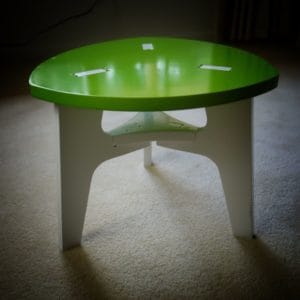


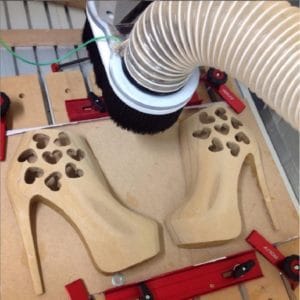
We sell CNC machines for the following:
- CNC for Plastics
- CNC for Wood
- CNC for ACM
- CNC for Metal
- CNC for Aluminium
- CNC for Brass
- CNC for Foam
Check out our machines HERE.
As with any subject, the more time you invest in learning about CNC and the related technologies, the more you will get from it. To achieve the best results, there are a few key areas which you should concentrate on:
- Computer skills
One requirement common to all aspects of CNC work is how to use a computer to perform basic tasks. You will be working with computers and computer programs during almost all the steps of the process as you design your parts and need to understand basic operations such as starting and stopping programs, saving, copying, and deleting files, finding files stored on your computer and installing programs and updates.
Your CNC machine is also run by a computer, this may be a standalone PC or a dedicated Control Box with PC built in.
By purchasing a CNC Machine, it is assumed that a basic knowledge of computers and the Windows operating system exists. If you don’t feel comfortable with your current computer skills or are new to running a PC then it would be well worth taking a basic course or buying a general guide to working with your PC.
- Design & Toolpath Software
Before you can cut anything with a CNC, you need to first create the design layout that the machine is going to follow to cut the parts. The software you choose will play a significant role in successfully creating projects with your CNC. Simply put, the design software will allow you to transform “pencil and paper” ideas to a set of instructions used to run the machine. When done correctly, the end result will be a physical product you can touch and hold, that has value and purpose and delivers a great sense of achievement.
- Operating and Maintaining your CNC Machine
If you currently own or use a CNC machine, you already know how important it is to keep it properly maintained and adjusted, to know and understand its limitations and how to set it up correctly to run a job.
If you don’t own a machine yet, then it’s important to spend time thinking about what you want your machine to be able to produce, as this can eliminate a lot of future frustration. Cost will always be an important factor but realize that you need to balance that with capabilities, because nothing can be more expensive than a machine that cannot do what you need. For example, if you want to cut large sheet goods then a desktop model will probably not be your best choice. However, if you only have room for a small machine this may be your only option, and you need to understand its limitations on how large a part it can cut. Only you can determine what this balance will be for your situation and budget.
Some important considerations when researching the purchase of a machine or when looking at building one yourself include size, speed and accuracy and the technical support offered both before and after the purchase. As with software, the importance of a company’s reputation, support, and an active website and/or forum cannot be understated.
Every CNC machine needs software to directly drive its movement; this is commonly referred to as the ‘Control Software’. All machines sold by i2R CNC Australia utilise a Windows based control software called UCCNC.
- Knowledge of Materials and Tooling
The user is responsible for defining the tool parameters in your CAD/CAM Software such as Fusion360 or Vectric. When setting up tools, one standard setting does not cover all toolpath operations to efficiently machine/mill all materials. The geometry you will need to input into the tool setup screen are: number of flutes, diameters and/or Angles and this information should be on the tool label.
When it comes to obtaining the best possible results, you cannot forget the material you are working with, nor the tool you are using to cut it. The type of material will factor into every stage of the Project – from initial concept through final finishing.
The common materials people using CNC Routers work with include; wood, plastics, dense foam board and softer (non-ferrous) metals (brass, aluminium, etc.). If you are not already familiar with the type of material you want to use, there are many sources of information that can help you.
Typical questions you must answer for the type of material include proper tool (bit) selection, how fast you can move that tool through that material (Feed Rate and Plunge Rate), how much material you can remove at one time (Pass Depth and Cut Depth) and how fast the bit should be rotating (Spindle or Router speed). Typically, suppliers of tooling offer information on the correct settings for the router bits they sell.
I recommend you read these two pages:
CNC stands for Computer Numerically Controlled and effectively means that the physical movements of the machine are controlled by instructions, such as co-ordinate positions that are generated using a computer.
The term “CNC Machine” is typically used to refer to a device that uses a rotating cutting tool which moves in 3 or more axes (X, Y and Z) to cut-out or carve parts in different types of materials. The information below will focus on what are typically referred to as “CNC Routers” although it would be applicable to most CNC milling and engraving machines too.